- Overview of the interface
- Boards
- Creating a board
- Collaborating on a board

-
+971 54 390 3209
-
[email protected]
-
9 AM to 8 PM
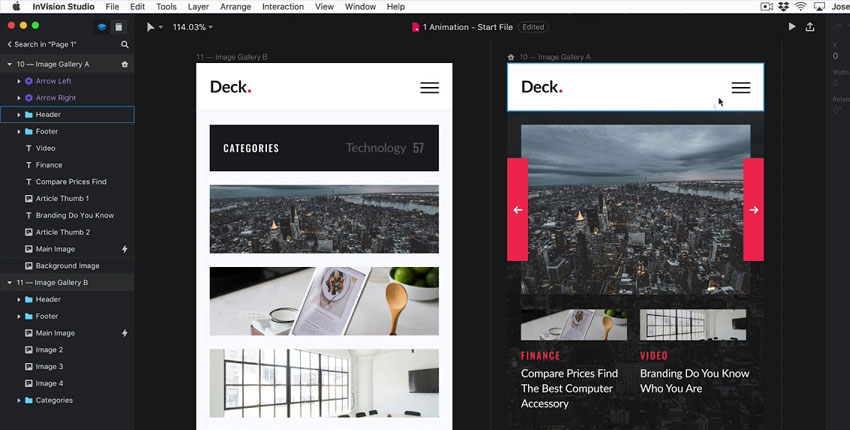
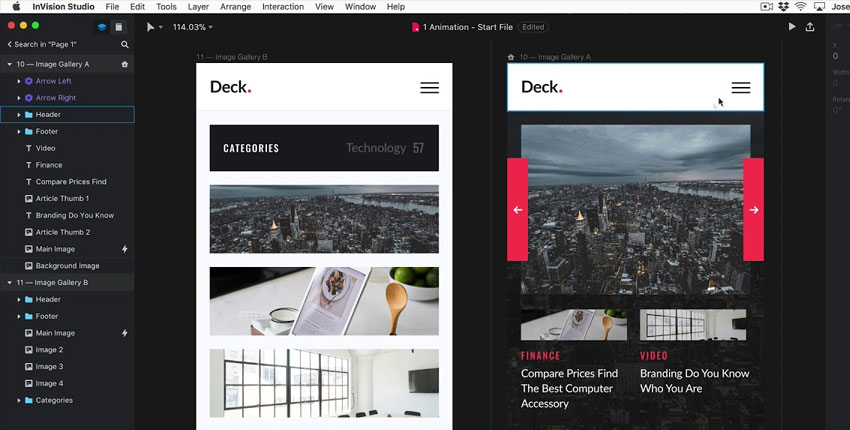
InVision is a versatile design tool that has a strong focus on enabling a top user experience. Using Invision, a UX/UI designer can go from outlining the user journey to collaborating on early design, to wireframes and prototypes, and finally to its design handoff features. Having a single platform that takes users from early brainstorms to development is exceptionally useful.


Write a public review